This is an old revision of the document!
Live Stream
During a live stream, products can be configured together with other people. They view the products in ‘their configuration’ on their devices, such as a smartphone, laptop or VRplugin-autotooltip__default plugin-autotooltip_bigVirtual reality (VR)
Virtual reality (VR) is a computer-generated, interactive environment in which a person can fully immerse themselves. With the help of special devices such as VR glasses, the real world is completely replaced by a simulated one. The user experiences a three-dimensional, artificial environment that can appeal to all the senses. headset.
Start Live Stream
Clickplugin-autotooltip__default plugin-autotooltip_bigClick
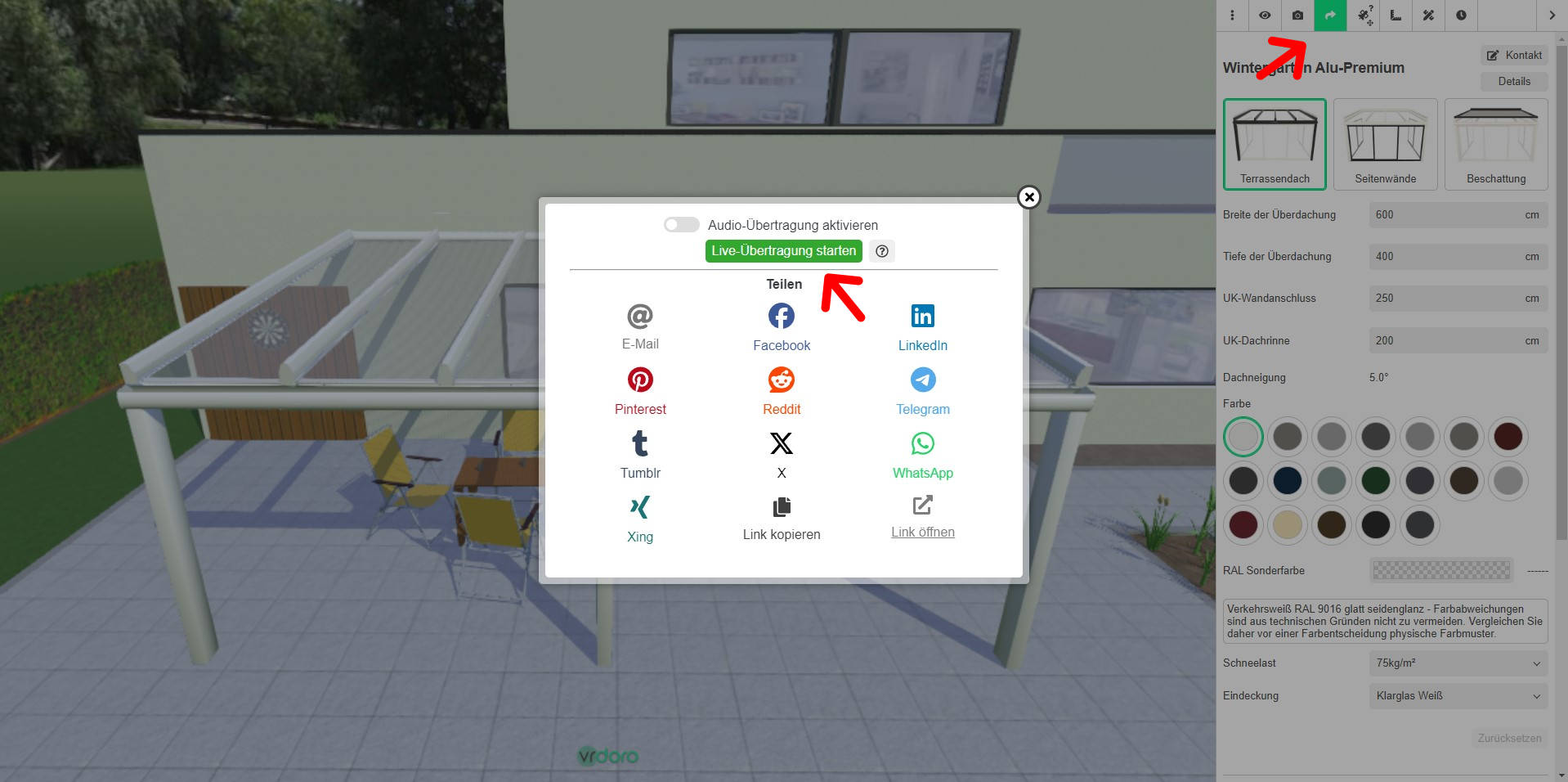
Depending on the device, clicking is the user's action to select an element. On devices with a mouse, this means pointing at the element and pressing the left mouse button. For devices with a touchscreen, it is touching or touching and holding (iOS: long touch). In theing the share icon in the top-right menu bar opens the share dialogue. A live stream can be started in the top section. You can then choose how you wish to send the link to other people.
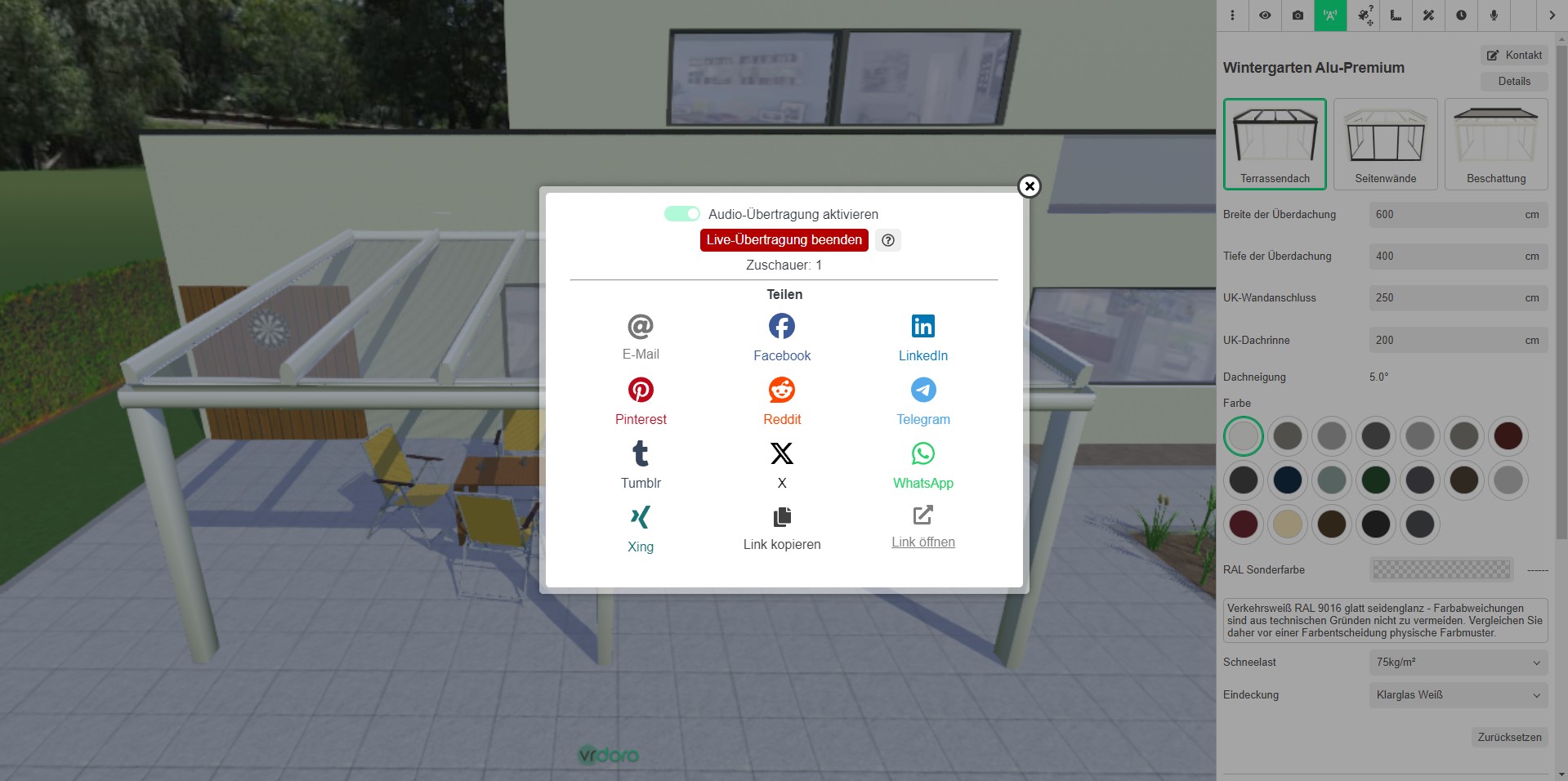
During an active live broadcast, the active viewer number is displayed in the share dialogue and the broadcast can be ended via the previous start button. The URL for the live broadcast differs from the URL that is shared without a broadcast.